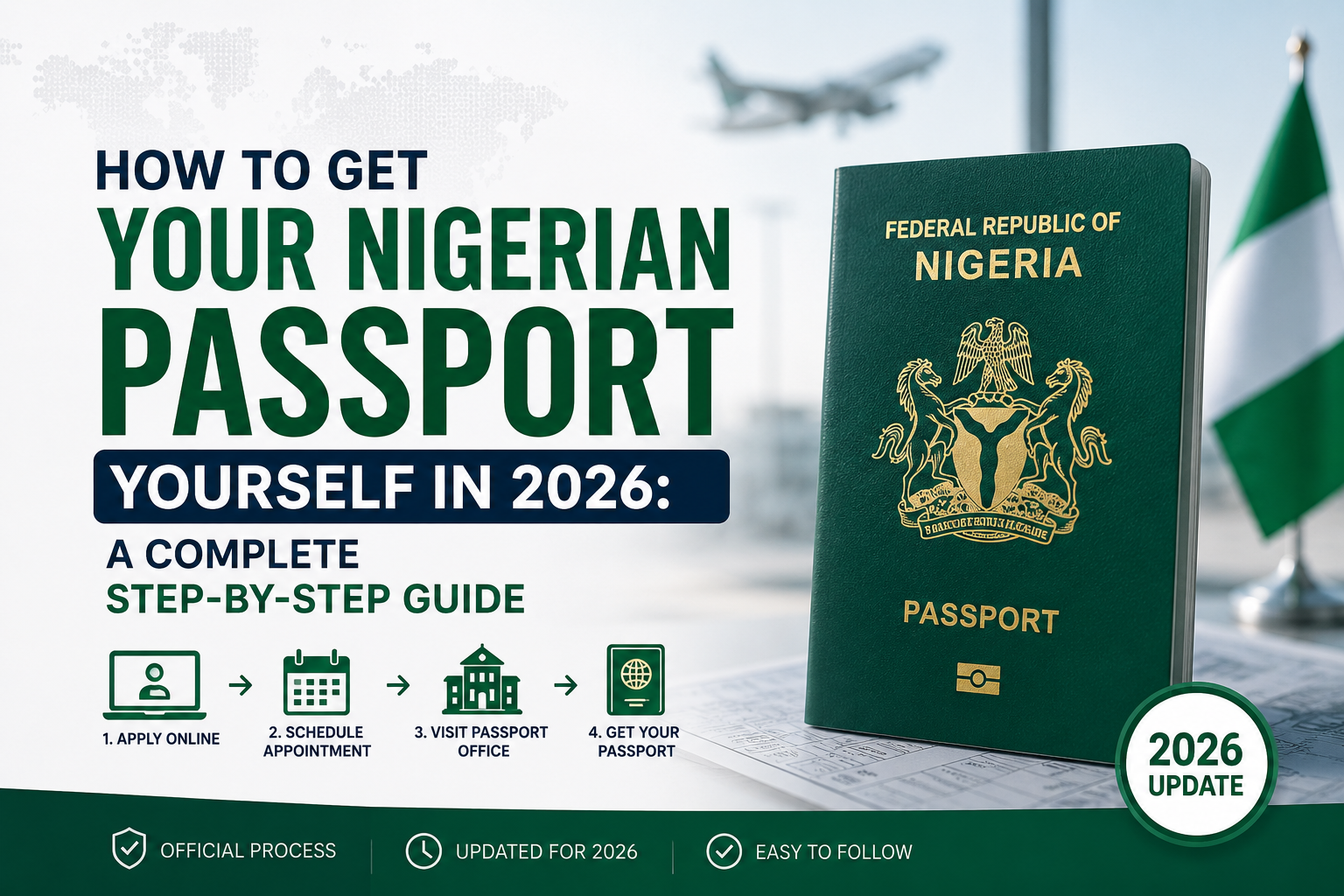

How to Apply for Nigerian Passport Online
Getting an international passport in Nigeria used to mean paying an “agent” hundreds or thousands of naira extra just to “help” you navigate the process. The truth is, you can apply for Nigerian passport online yourself in 2026, without any agent. The Nigeria Immigration Service (NIS) has made it possible to apply, pay, book your capturing appointment, and track your application entirely online — all by yourself, from your phone.
This guide breaks down exactly how to apply for Nigerian passport online — the documents you need and the step-by-step process — without stress and without paying anyone unnecessary “fast-track” fees.
Documents You Need for Nigerian Passport Application
Before you start your application, gather these documents. You’ll need to scan or take clear photos of each one, so download a scanner app (available free on the Play Store or Apple App Store) if you don’t already have one.
Here’s your Nigerian passport application checklist for 2026:
- National Identification Number (NIN)
- Passport photograph (white background, taken according to Immigration specifications)
- Birth Certificate or Attestation of Age (issued by National Population Commission or relevant authority)
- Local Government Certificate of Origin
- Marriage Certificate (only if you are married)
- Working ATM card or debit card (for online payment — Verve, Mastercard, or Visa linked to a Nigerian bank account)
Having all these ready before you start will save you time and prevent your application from stalling halfway.
Step-by-Step Nigerian Passport Application Process (2026)
Step 1: Apply Online on the Official NIS Portal
Go to the official Nigeria Immigration Service passport application portal: 👉 https://passport.immigration.gov.ng/
You can also check the official @nigimmigration social media handles to confirm the correct, current application link — this protects you from fake websites and scam portals that mimic the real one.
Fill in your bio-data and personal details carefully. Double-check names, dates, and spellings before submitting — errors at this stage can delay your entire application or even affect the passport once printed. Upload all the required documents listed above in the correct format (usually PDF or JPEG, depending on the portal’s specifications).
Step 2: Fix Passport Photograph Upload Issues
Many applicants get stuck here. If your passport photograph keeps getting rejected or won’t upload properly, don’t panic — this is one of the most common hitches in the process.
Quick fix: Copy the exact passport photograph requirements (dimensions, background color, file size, head positioning) from the NIS application website. Then use an AI tool like ChatGPT to guide you in adjusting your photo to match those specifications before you upload it again. This simple trick resolves most upload errors caused by wrong image size or format.
Step 3: Make Payment Online
Once your form and documents are accepted, proceed to the payment stage. Use your ATM card (Verve, Mastercard, or Visa) to pay the required passport fee directly on the portal. Keep your payment receipt or reference number safe — you may need it later.
Step 4: Book Your Capturing Appointment
After successful payment, you’ll be able to book a biometric capturing appointment. Choose:
- A date that works for you
- A capturing centre close to your location
Once booked, print your acknowledgment slip — you’ll need this on the day of your appointment.
Step 5: Attend Your Capturing Appointment
Show up at your chosen centre on the scheduled date. A few tips:
- Arrive early to avoid long queues
- Be polite to immigration staff — courtesy goes a long way
- If asked who processed your application, confidently state that you did it yourself. This is fully backed by the directive from the Minister of Interior (Dr. Olubunmi Tunji-Ojo, @BTOofficial) confirming that Nigerians can complete their passport applications online, personally, without an agent. Be firm and confident — you have every right to do this yourself.
Step 6: Wait for Approval and Notification
After your biometric capturing is complete, your application moves to the approval stage. Once approved, you’ll receive a notification (via SMS, email, or the portal) informing you when your passport is ready for pickup at your chosen centre.
Why You Don’t Need an Agent for Your Nigerian Passport
The entire process — from application, document upload, payment, to appointment booking, is designed to be completed by the applicant. Agents typically charge extra fees for a process that costs you nothing beyond the official government fee when done yourself. With this guide, you now have everything you need to handle it confidently on your own.
Frequently Asked Questions (FAQs)
1. How long does it take to get a Nigerian passport in 2026? Processing times vary by location and demand, but once your capturing is done and your application is approved, you’ll be notified for pickup. Always check the official portal or your registered contact details for updates.
2. Can I apply for a Nigerian passport without a NIN? No. A valid NIN is now a mandatory requirement for passport applications in Nigeria.
3. What if my passport photo keeps failing to upload? Check the exact photo specifications on the official portal and adjust your image accordingly — background, size, and format all matter.
4. Is it legal to apply for my passport myself without an agent? Yes. The Ministry of Interior has publicly confirmed that applicants can complete the entire process online, personally, without needing an agent.
Final Thoughts
Getting your Nigerian international passport doesn’t have to be complicated or expensive. With your documents ready, a stable internet connection, and this step-by-step guide, you can complete the entire process yourself, confidently and stress-free.
Looking for more practical guides on documentation, scholarships, remote jobs, and career opportunities for Nigerians and Africans? Explore more resources on CareerConnect.
How to Apply for Nigerian Passport Online