
Why NPC Birth Certificate Matters
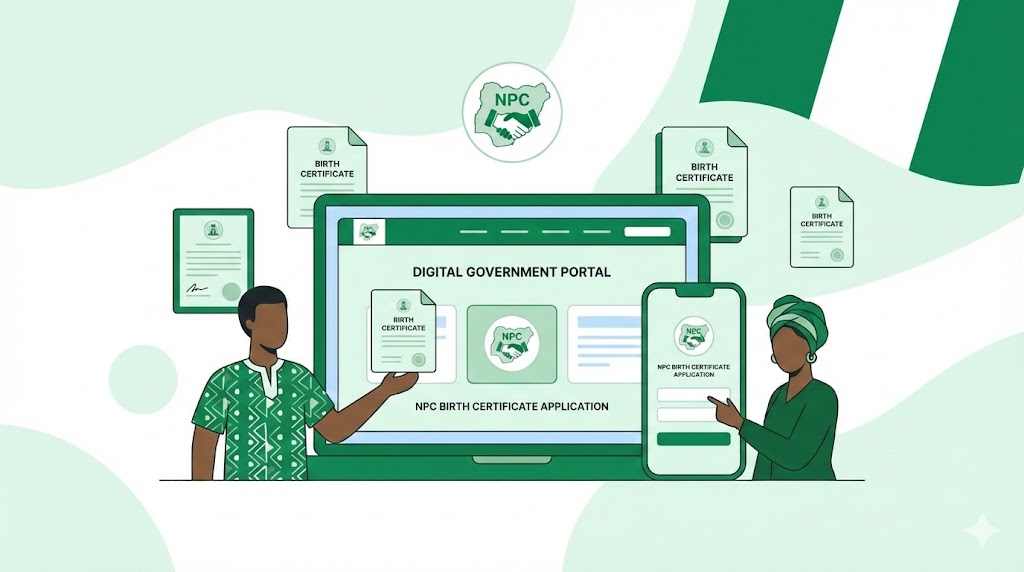
Getting a proper birth certificate or attestation from NPC is essential. It ensures you have a valid, government-recognized identity document used for school admissions, passport applications, travel, and more. Recent reforms by NPC have digitalized the process under a unified platform called e-CRVS, making it easier for Nigerians to register births and request attestations online.
Using the official NPC online portal helps avoid fraud or fake services — Nigeria has had problems with scam sites claiming to offer birth registration or related services.
NPC Birth Certificate (for Children) — Step-by-Step
If you want to register a child’s birth and obtain an official birth certificate, here’s how to do it online via NPC:
Visit the NPC Birth Registration Portal
- Go to https://birthreg-selfservice.nationalpopulation.gov.ng/ — this is the official NPC self-service portal for birth registration.
Check Eligibility & Prepare Requirements
- The child must have a National Identification Number (NIN).
- At least one parent must be a Nigerian citizen with a valid birth certificate.
- Provide valid contact details: active phone number and email.
Start a New Application
- On the portal, select “New Application → Birth Registration (Self-Service)”.
- Enter your email address — the system will send you a payment reference number.
Make Payment & Fill Application Form
- For children under 5, registration at NPC centres may be free. However, for children aged 5 years and older, the online service fee is ₦2,000.
- After payment confirmation, fill in the registration form with the required details and upload any necessary documentation.
Submit Application & Download Certificate
- Submit your application. After NPC processes it, you’ll get a notification.
- Log in to your dashboard, go to “My Applications,” and download the birth certificate. Note: certificates can only be downloaded once after approval.
NPC Birth Attestation (for Adults) — Step-by-Step
If you’re 18 years or older (or born before formal record-keeping) and need a legal birth document, you should apply for a birth attestation rather than a childbirth certificate.
Here is how to do it online:
Visit NPC Attestation Portal
- Go to https://nationalpopulation.gov.ng/, then navigate to Services → Birth Attestation.
Create an Account / Sign Up (if you don’t have one)
- Provide your National Identification Number (NIN), name, email, and other required details.
- Undertake a facial verification process if required, ensuring your name matches exactly the one on your NIN.
Upload Required Documents
- As per NPC guidelines, you may need an affidavit/age-declaration from a High Court (if your birth was never registered).
- Provide a valid ID (NIN or passport/driver’s licence) and accurate birth and parentage information.
Pay the Attestation Fee
- The standard fee for online birth attestation is ₦3,000 (payable online).
Submit Application & Download Attestation Certificate
- After payment and form submission, NPC will review your application. Once approved, log in to your NPC account to download the attestation certificate.
Things to Note & Common Mistakes to Avoid
- Always use official NPC portals. Avoid suspicious or non-.gov.ng websites claiming to offer birth registration — these are often scams.
- Certificates/attestations are downloaded only once. Once you download, make sure you save backup copies.
- Adult attestations require affidavits if the birth was never registered. This means you may need to visit a High Court before you apply online.
- Fees are non-refundable. Payment should be done only through the official NPC payment gateway.
- Ensure NIN is valid and correct. The child’s NIN (or parent’s NIN) must match NPC/NIMC records to avoid rejection.
Portal URLs You Need (as of 2025)
| Purpose | Portal URL |
|---|---|
| Birth certificate registration (children) | https://birthreg-selfservice.nationalpopulation.gov.ng |
| Birth attestation (adults) / NPC main portal | https://nationalpopulation.gov.ng/ (navigate to “Birth Attestation”) |
Caution: Always double-check that you are on the official domains (with “.gov.ng”) before submitting personal data or payment.